Make a postcard with ChatGPT or Claude, and we print and mail it
To make a postcard with ChatGPT or Claude, ask it to write a FamilyLetter link. It writes the message and picks the font and stickers; you open the link, add photos, and we mail the real card.
- Real 4x6 glossy postcard
- See it before you pay
- No account needed
See it come to life!
Add your photos
0/4Your photos are yours. We just print them.Never sold, never used in ads, never used to train AI.
Write a message
OptionalAdd stickers
OptionalOptional. Tap a side to add ears, hats, balloons and more.
How many postcards?
Add a photo first, then choose how many to send.
Free shipping, postage included
$4/mo, $48 billed yearly · cancel anytime
Already a member? Sign in for $1.49 cards.
What's the Club?
- Send each postcard for $1.49
- As many cards as you like, to any address
- FREE shipping, postage included
- Your addresses saved for next time
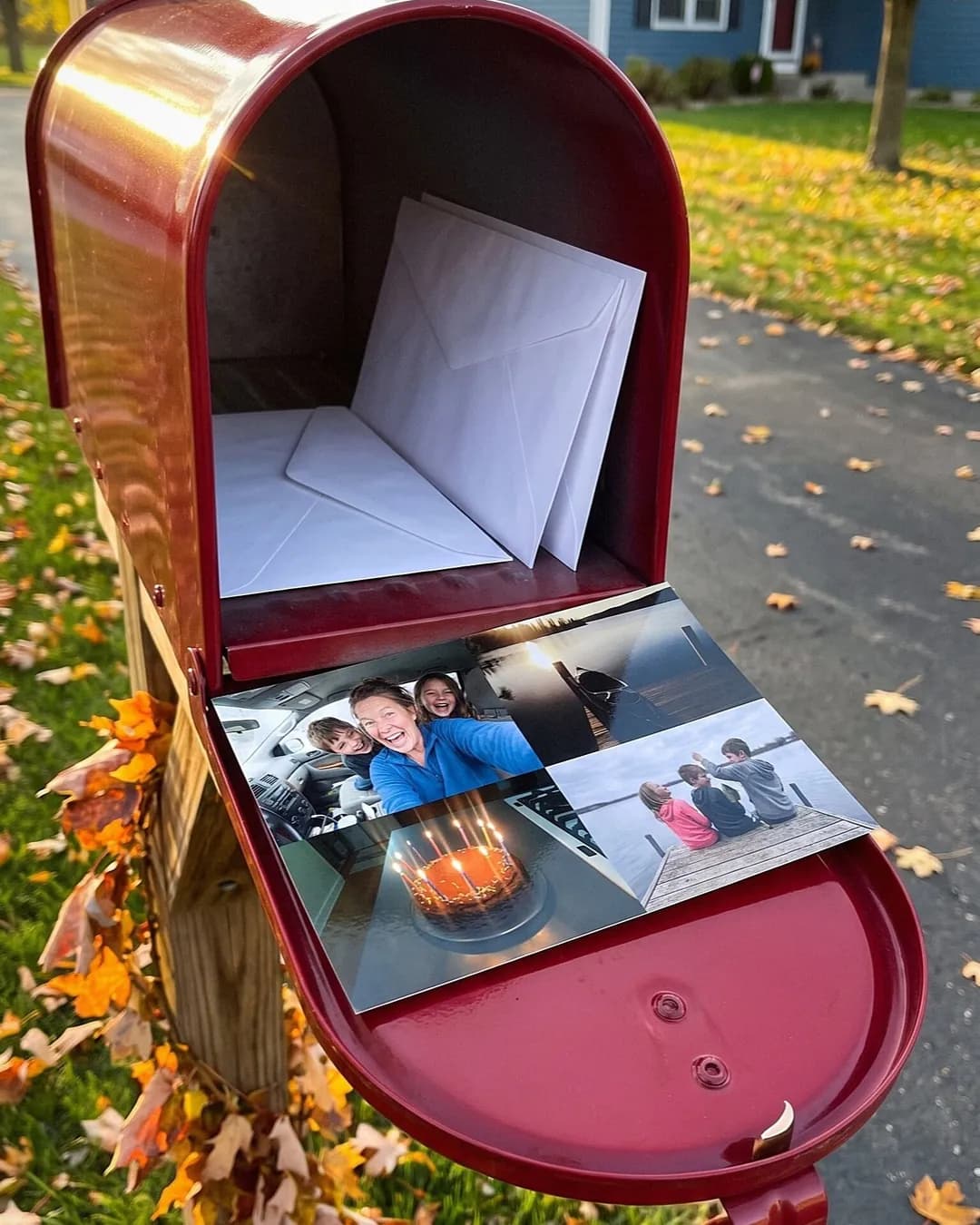
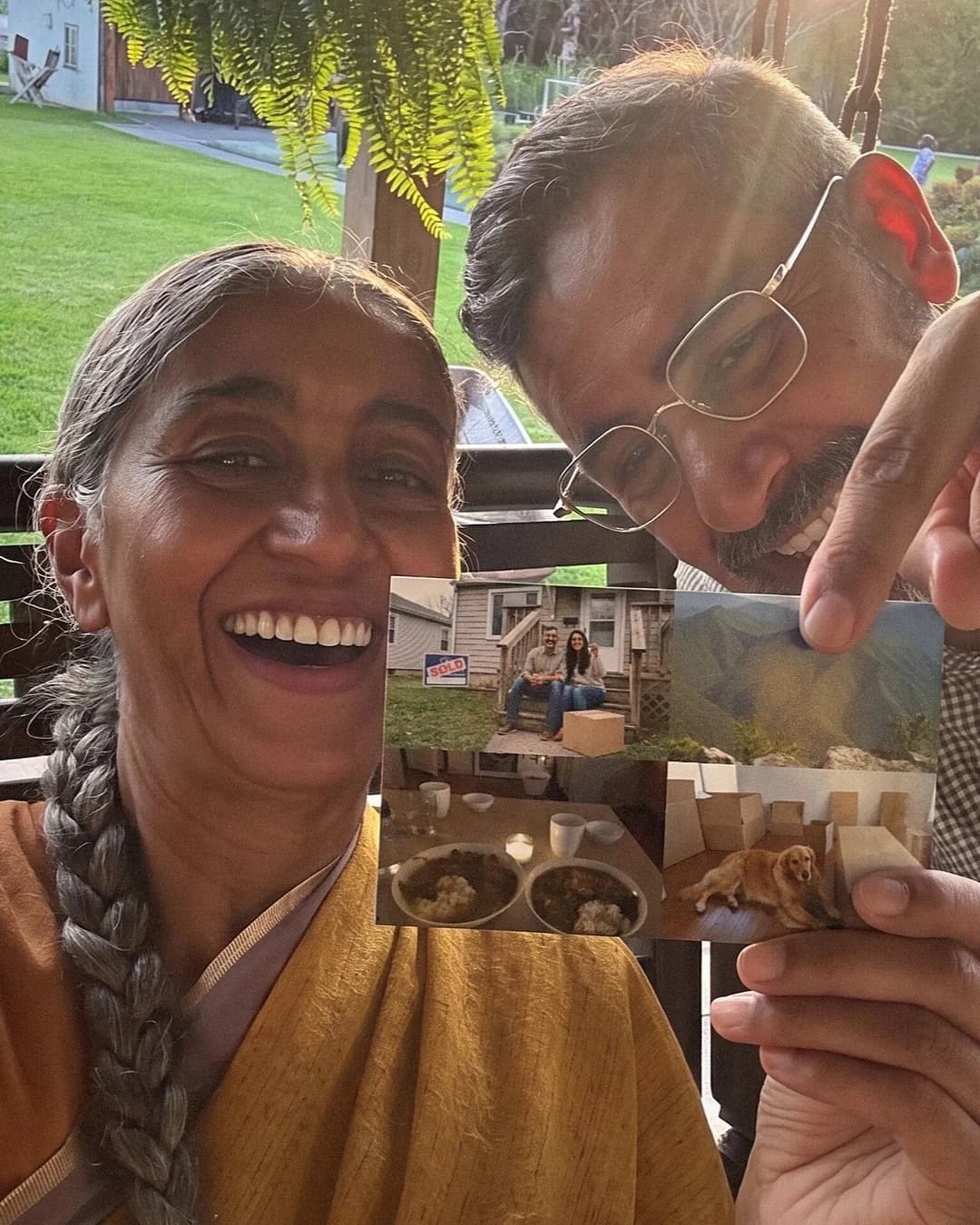
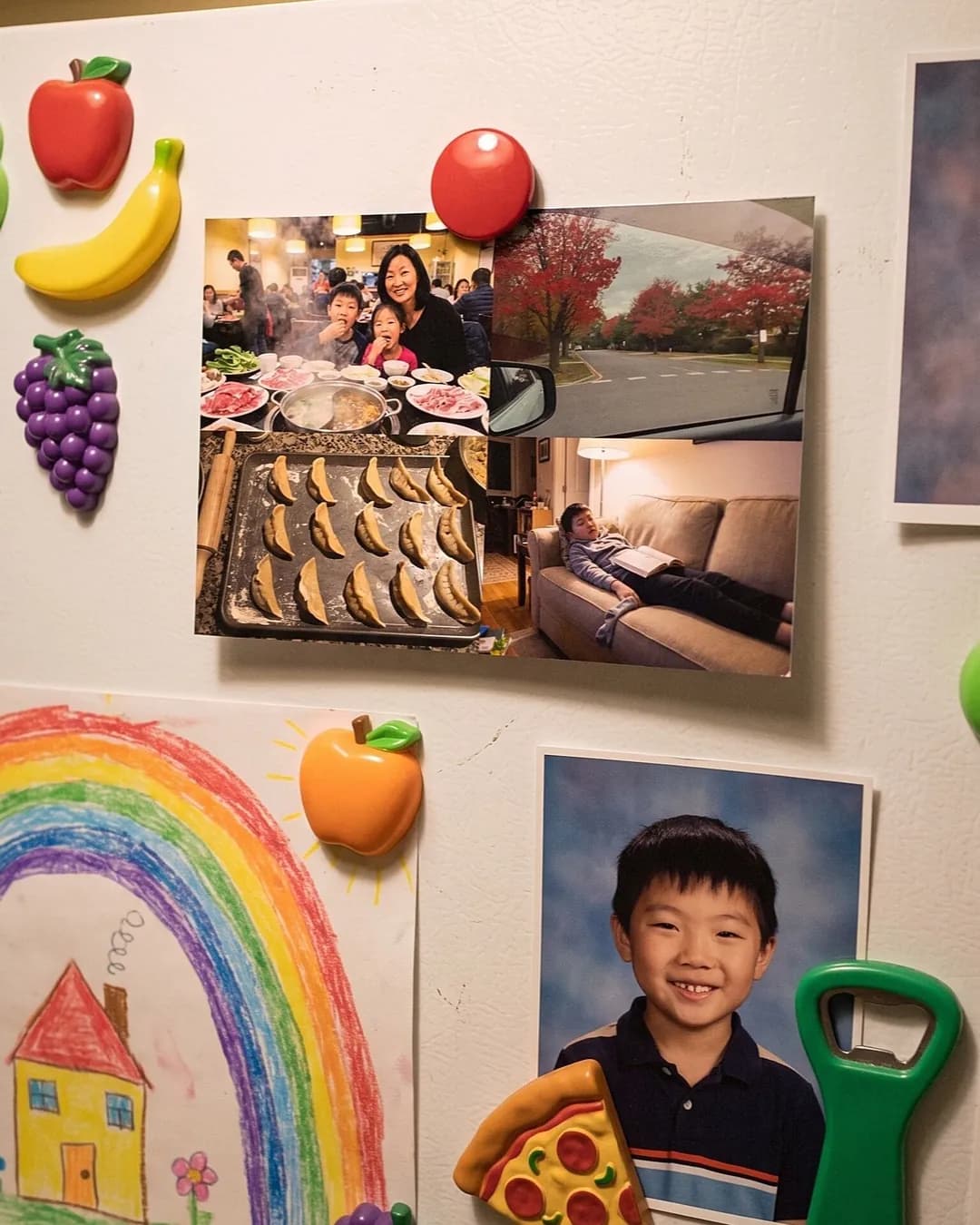
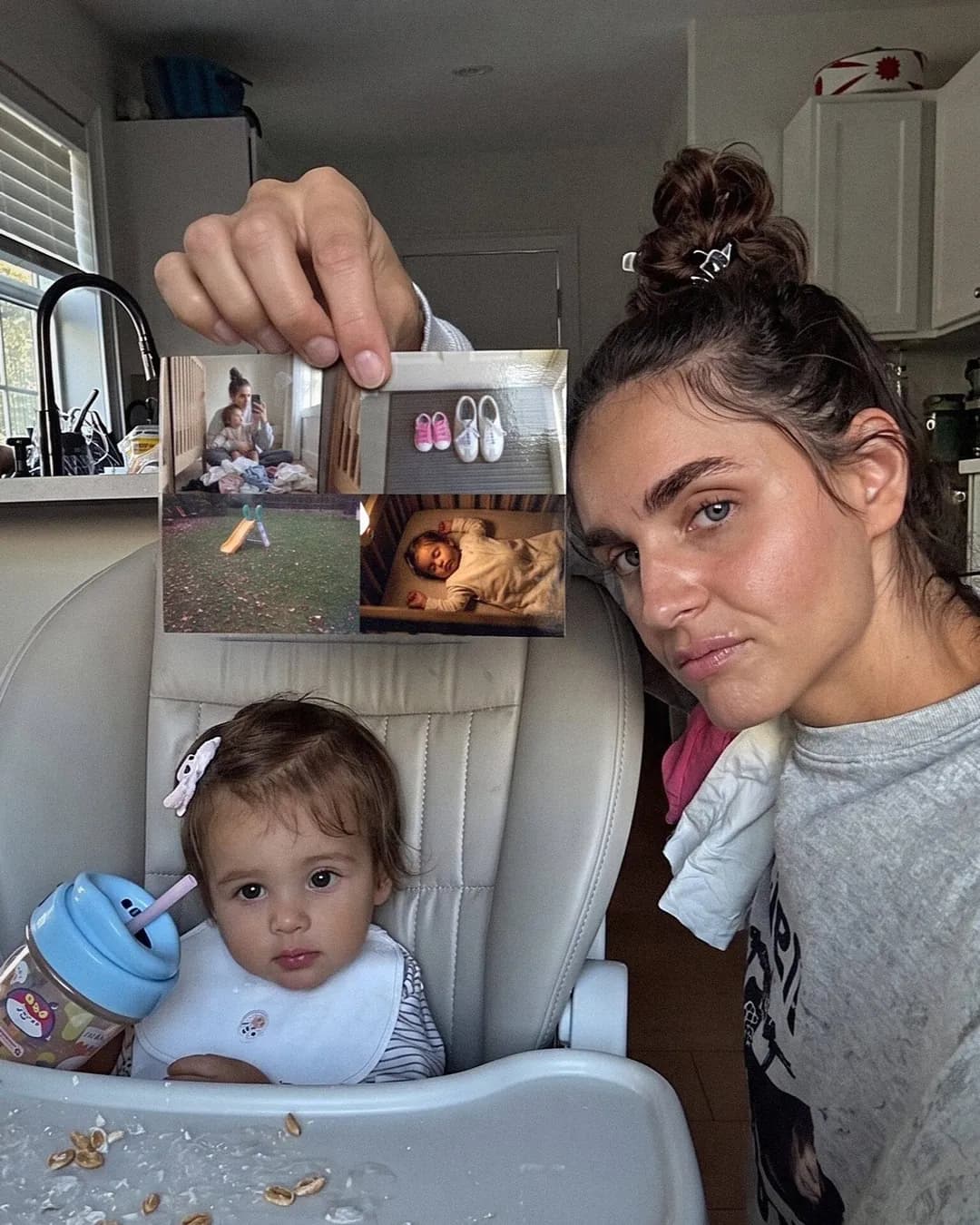
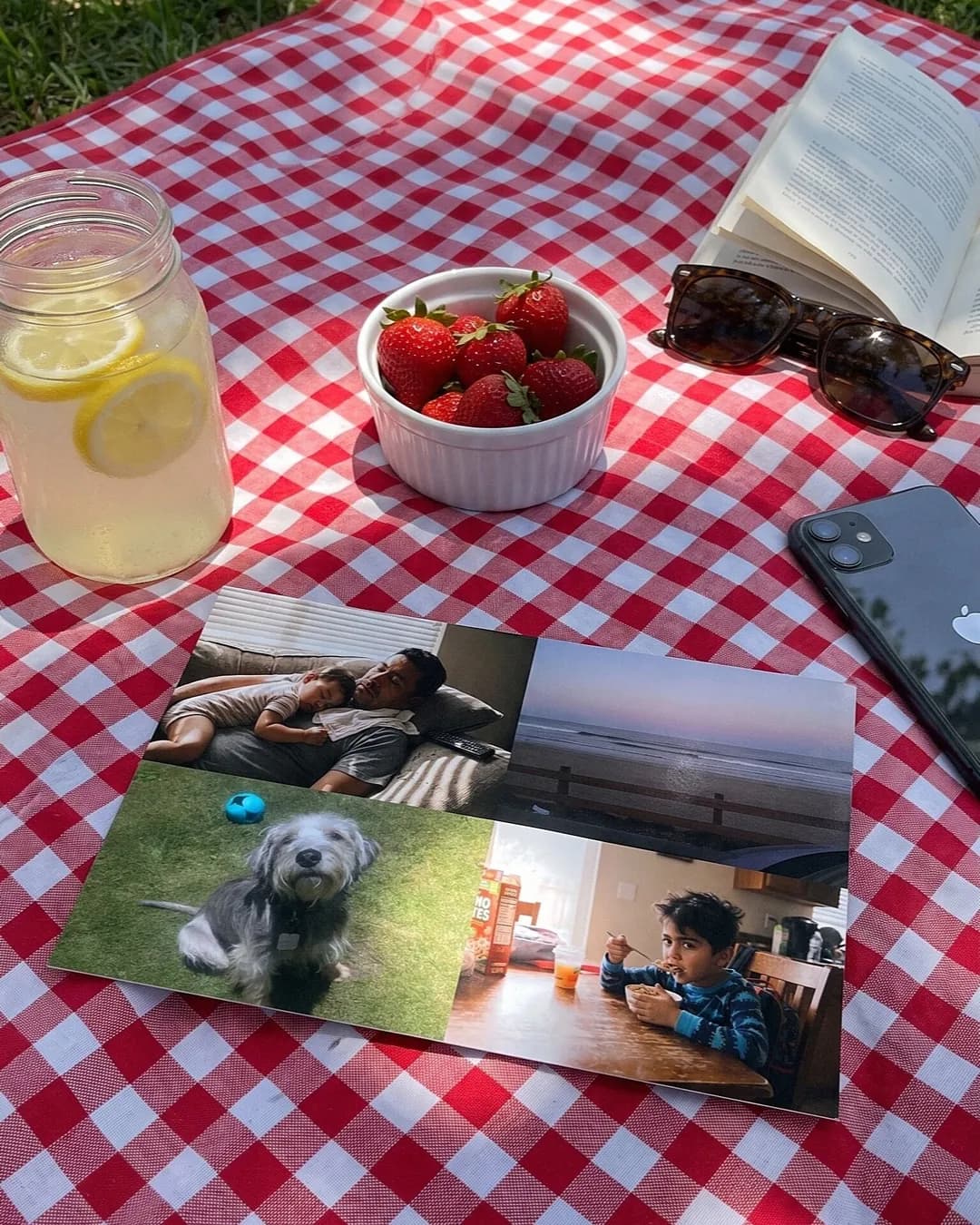
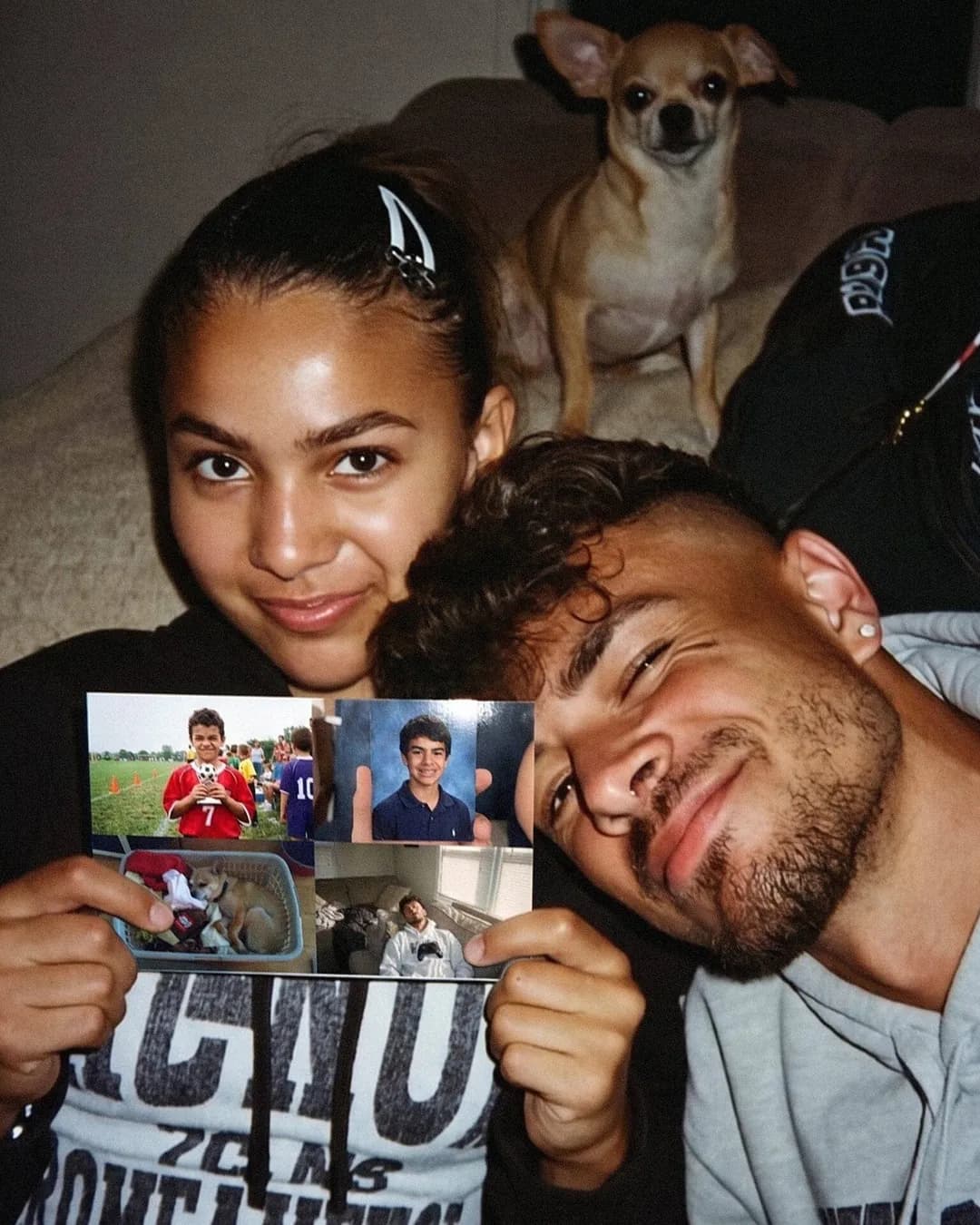
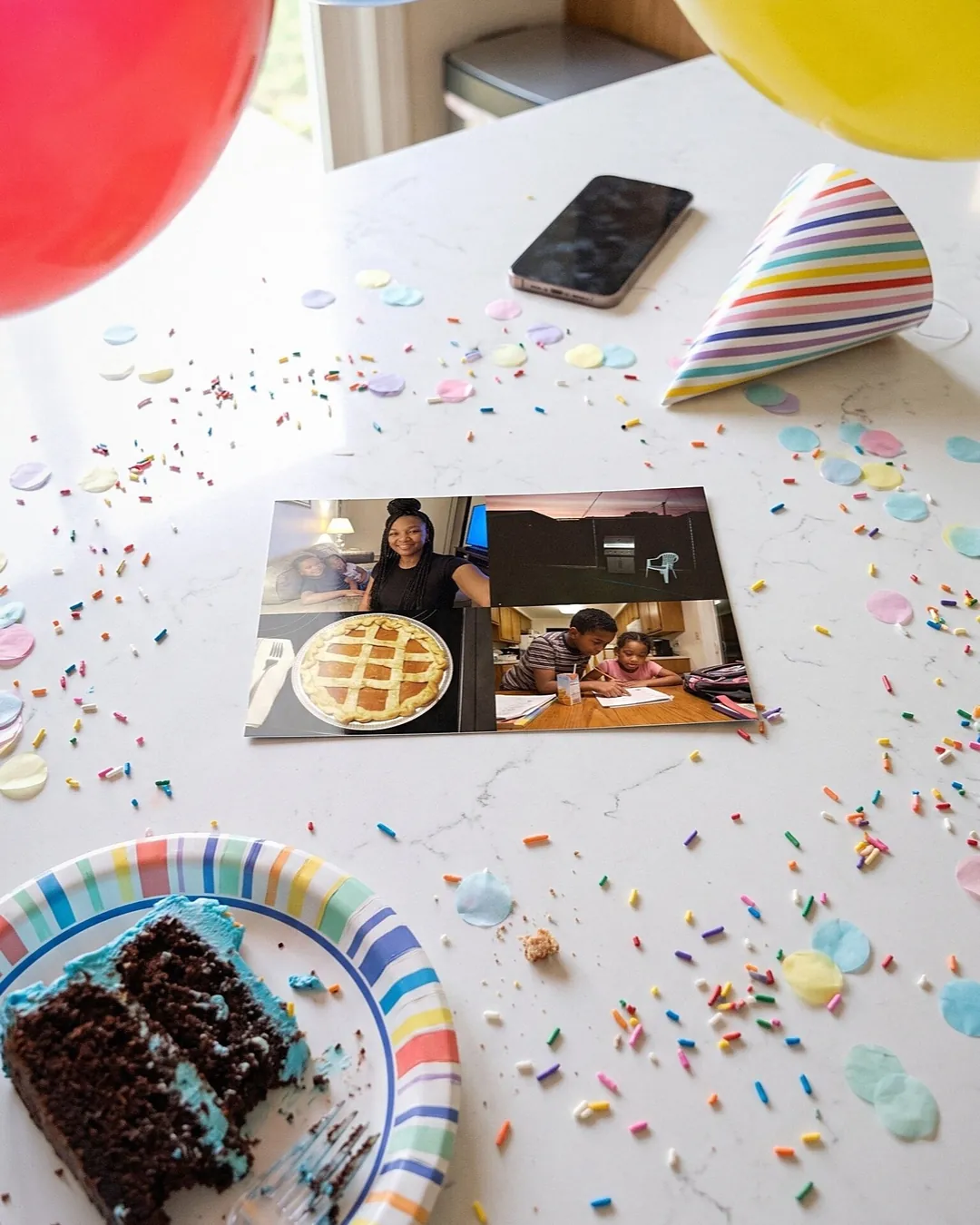
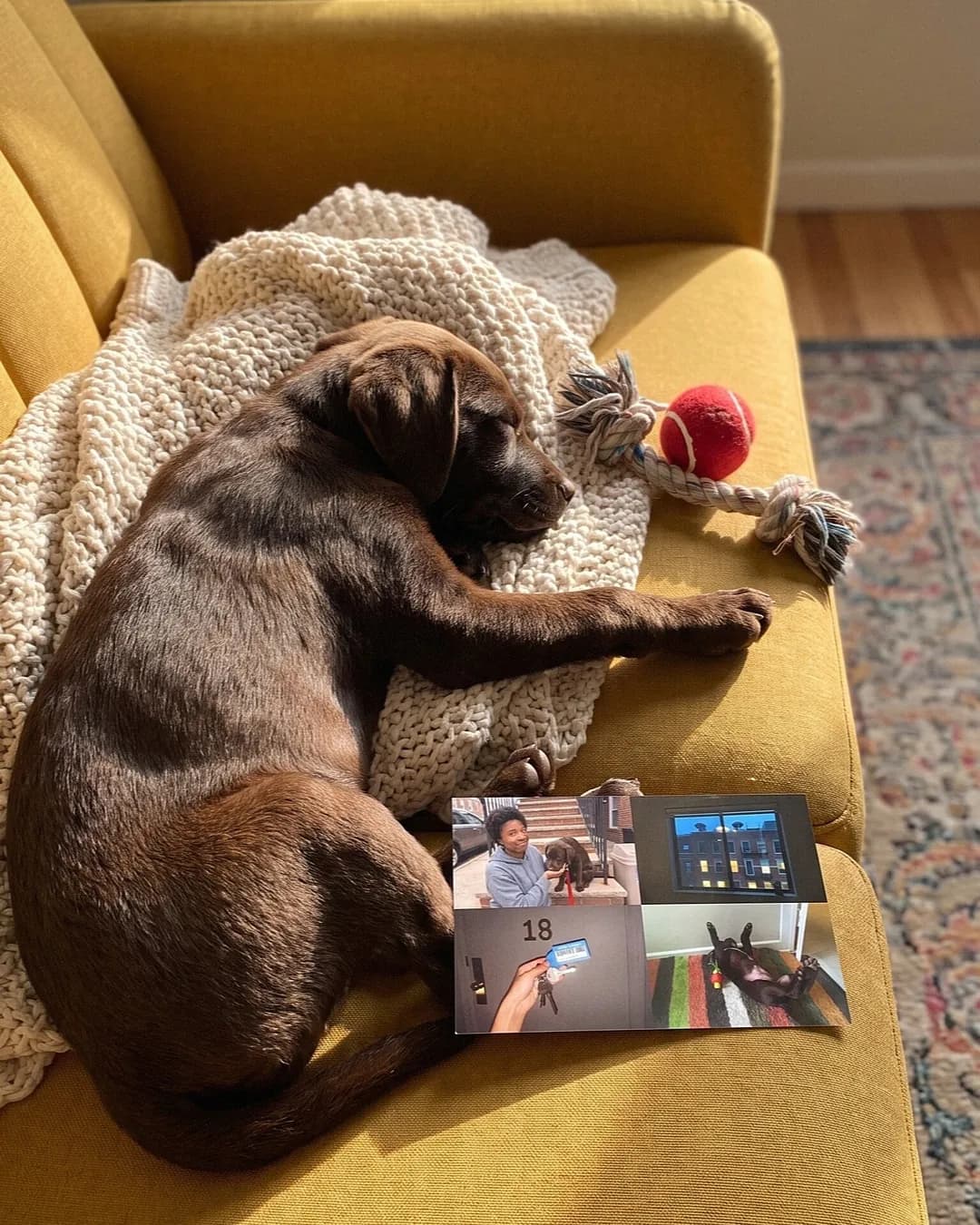
What people are saying
Copy this into ChatGPT or Claude
FamilyLetter is built so an AI assistant can make the postcard with you: it writes your message, picks the font and stickers, and gives you a link; you add your photos and we print and mail it.
- Paste the prompt below into ChatGPT, Claude, Gemini or Perplexity, and tell it who the card is for.
- It writes the message, picks a font, stickers and a back design, and gives you a familyletter.io link. Ask for changes and it writes a new link.
- Open the newest link and add 1 to 4 photos. Check the front and back, pay, and we print it and mail it, postage included.
Help me make a FamilyLetter postcard. Ask me who it's for and what's going on, then:
1. Write a short, warm message (under 420 characters) and let me edit it.
2. Pick a font, a few stickers and a back design that fit (options: https://www.familyletter.io/agents).
3. Give me a link in this format, URL-encoded: https://www.familyletter.io/make?message=...&font=...&stickers=...&front_stickers=...&background=...&quantity=...&ref=ai
   Some ids: fonts indie, dancing, playwrite, gloria; stickers heart, love-letter, party-hat, balloons, pumpkin, crown, flower-crown, happy-birthday; quantity is copies, 1 to 10.
Each time I ask for a change, give me a fresh link. Once I'm happy I'll open the last one and add my photos.
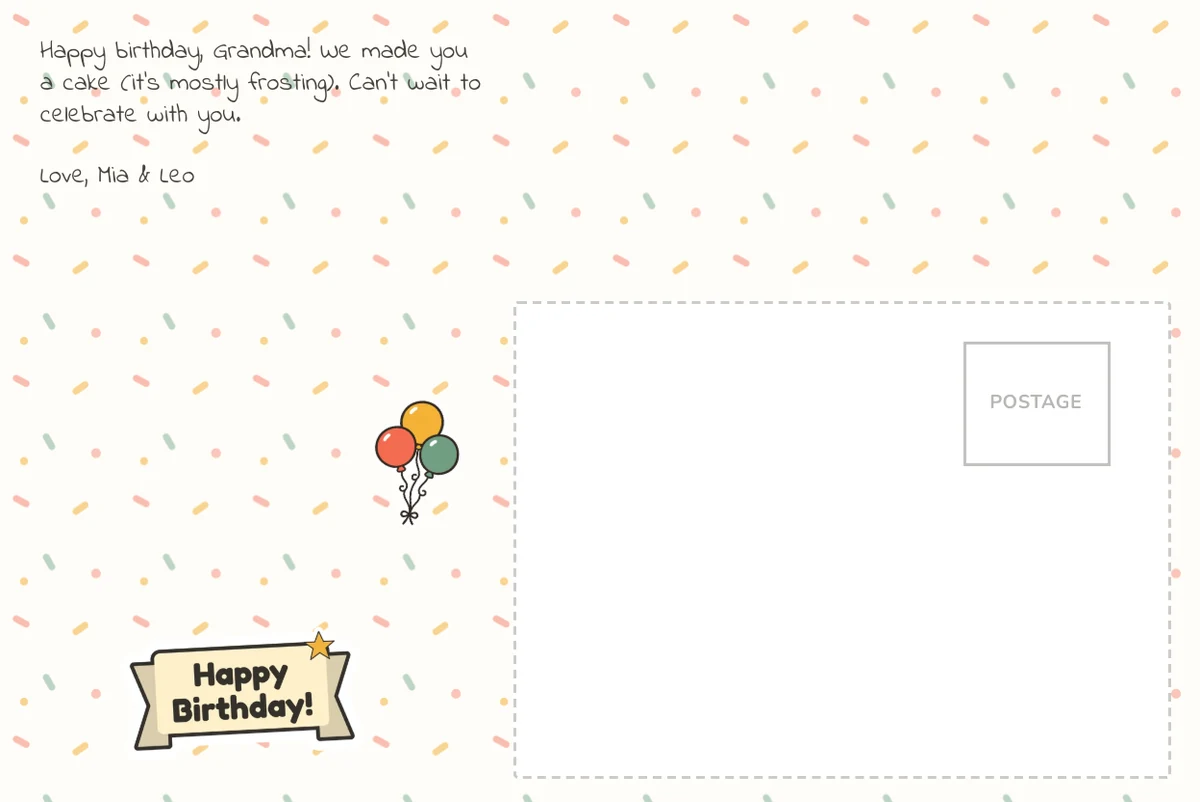
What the link looks like (birthday card for grandma from the kids): https://www.familyletter.io/make?message=Happy+birthday%2C+Grandma%21+We+made+you+a+cake+%28it%27s+mostly+frosting%29.+Can%27t+wait+to+celebrate+with+you.%0A%0ALove%2C+Mia+%26+Leo&font=indie&stickers=happy-birthday%2Cballoons&background=confetti&ref=ai
Connected FamilyLetter to Claude or ChatGPT as an MCP connector (https://www.familyletter.io/api/mcp)? Then it can build and preview the card in the chat, change it as you ask, give you a checkout link, and mail it after you pay. Photos usually go in on our page, since most chat apps can't pass along an attached photo. The guide for AI agents lists every font, sticker and back design.
See how it works in 20 seconds
How to make a postcard with ChatGPT or Claude
Your AI assistant does the writing and the choosing. You add the photos and pay. We print a real 4x6 postcard and mail it.
It works in ChatGPT, Claude, Gemini or Perplexity, with nothing to install.
- Paste the prompt on this page into your AI chat and say who the card is for.
- Answer a question or two. It writes a short message and picks a font, stickers and a back design.
- Ask for changes: shorter, funnier, more hearts. It gives you a fresh link each time.
- Open the newest link. The card opens with the message and design filled in.
- Add one to four photos, check the front and back, and pay.
- Tell us where each card goes. We print it and mail it by USPS First-Class, postage included.
What your AI does, and what you do
The split is simple: words and design in the chat, photos and the final check with you.
- Your AI: the message, up to 420 characters, plus the font, the stickers on each side and the back design.
- You: the photos, a last look at the real front and back, and the payment.
- Us: printing on glossy 4x6 card stock and mailing it to any US address.
How the FamilyLetter link works
The link opens the FamilyLetter builder with the AI's choices already in it. It holds text and design picks, never your photos.
Opening it orders nothing and charges nothing. Nothing prints until you check out.
Every part is optional. If the AI names a sticker we don't have, the builder skips it and keeps the rest.
You can still change anything by hand: retype a line, swap the font, drag a sticker.
Real photos, not AI art
Most tools sold as an AI postcard maker draw a picture for you. This is the other job: your own photos, printed and mailed.
The AI never invents the people on the front. You add the photos yourself, from your phone or computer.
Want the photo side to look a certain way? See custom photo postcards for layouts with one to four photos.
Going further: build, preview and mail it in the chat
FamilyLetter also runs an MCP server, the standard way AI assistants connect to outside tools.
Add it as a connector in Claude, or in ChatGPT where your plan allows custom connectors, and the assistant can do the whole order.
It builds the card from photo links, shows the front and gives you a checkout link.
After you pay, it checks each US address with you and mails the card. It asks before mailing, because that can't be undone.
Rather skip the AI? Make the postcard yourself in about a minute.
The example card, with photos added

What it costs
| Postcards | Price | Each |
|---|---|---|
| 1 | $9.99 | $9.99 |
| 2 | $17.99 | $9.00 |
| 3 | $24.99 | $8.33 |
| 5 | $34.99 | $7.00 |
| 10 | $59.99 | $6.00 |
Shipping is free on every order, even one card. Each card in an order can go to a different US address.
Sending for a birthday or a holiday? Please allow up to 15 days. USPS can run a little slow, especially in December.
Questions about making a postcard with ChatGPT
Can ChatGPT make a postcard and mail it?
Yes, with FamilyLetter. ChatGPT writes the message and picks the design, then gives you a link. You add photos and pay, and we print a real 4x6 postcard and mail it.
Does it work with Claude, Gemini or Perplexity?
Yes. Any AI chat that can write a web link can do it, so you need no plugin. Claude and ChatGPT can also connect to our MCP server to build, preview and mail the card in the chat.
Do I have to give my photos to the AI?
No. The link carries only the message and design choices. You add your photos yourself after you open it. With the MCP connector, photo links you give it are sent to us. Most chat apps can't pass along an attached photo, so you may add them on our page.
Is opening the link the same as ordering?
No. The link only opens the builder with the card filled in. Nothing is charged or printed until you check the front and back and pay.
What fonts can the AI pick?
Any of the preset fonts in the builder: script styles and plain print type. The message is printed in that font, and you can switch it before you pay.
How much does it cost?
$9.99 for one card, $7.00 each for five and $6.00 each for ten. Shipping is free, even on one card. The AI chat costs nothing extra on our side.
How long does it take to arrive?
Usually 5 to 10 business days from order to mailbox: printed within 1 to 2 business days, then USPS First-Class Mail. We can't guarantee a delivery date.
Where can the card go?
Any US mailing address. Order up to ten cards at once, and each one can go to a different address.