Design it in our postcard maker, and we mail it!
FamilyLetter's postcard maker designs a real 4x6 photo postcard in your browser, then prints, stamps and mails it. No file to download, no printer, no stamp.
- Real 4x6 glossy postcard
- See it before you pay
- No account needed
See it come to life!
Add your photos
0/4Your photos are yours. We just print them.Never sold, never used in ads, never used to train AI.
Write a message
OptionalAdd stickers
OptionalOptional. Tap a side to add ears, hats, balloons and more.
How many postcards?
Add a photo first, then choose how many to send.
Free shipping, postage included
$4/mo, $48 billed yearly · cancel anytime
Already a member? Sign in for $1.49 cards.
What's the Club?
- Send each postcard for $1.49
- As many cards as you like, to any address
- FREE shipping, postage included
- Your addresses saved for next time
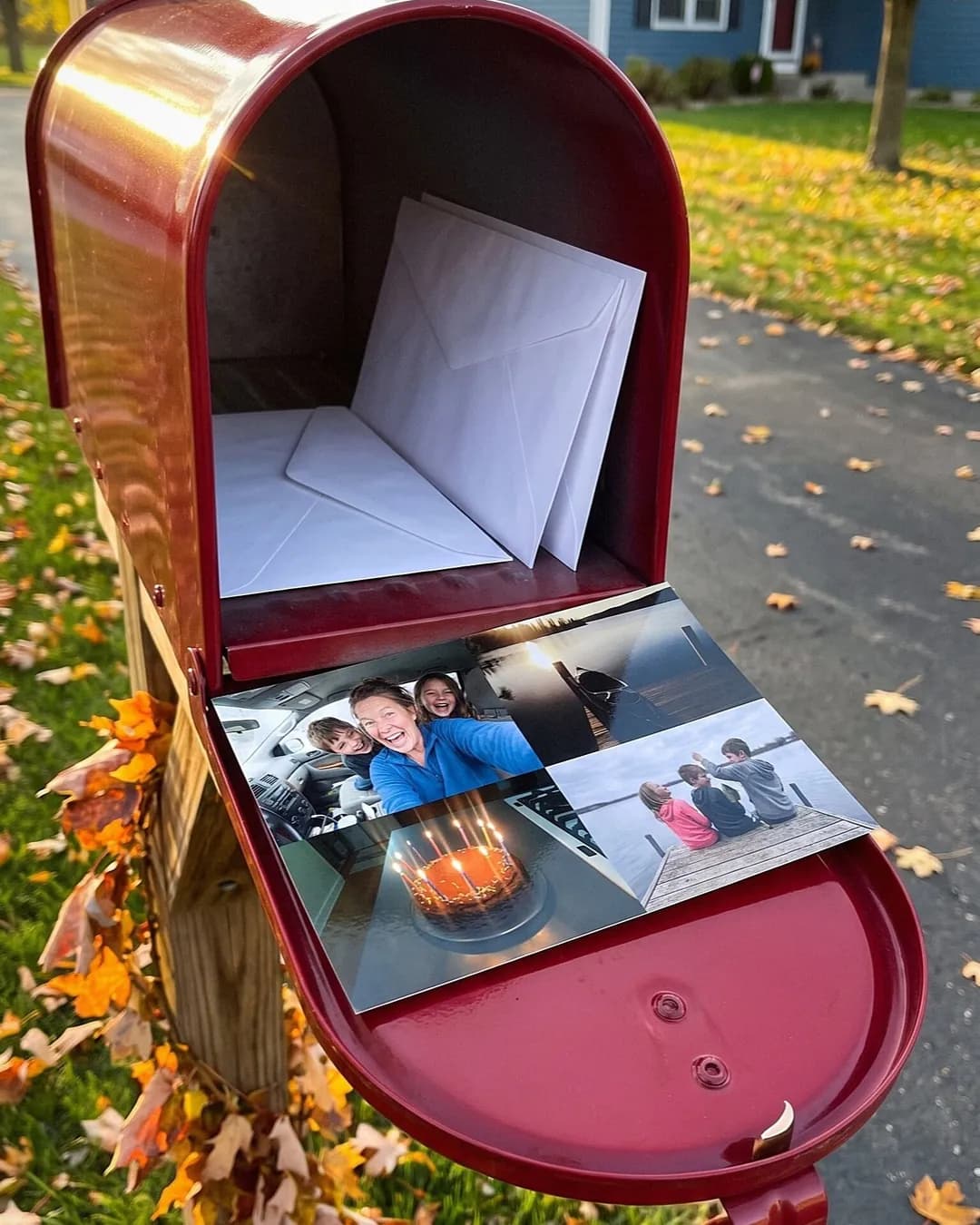
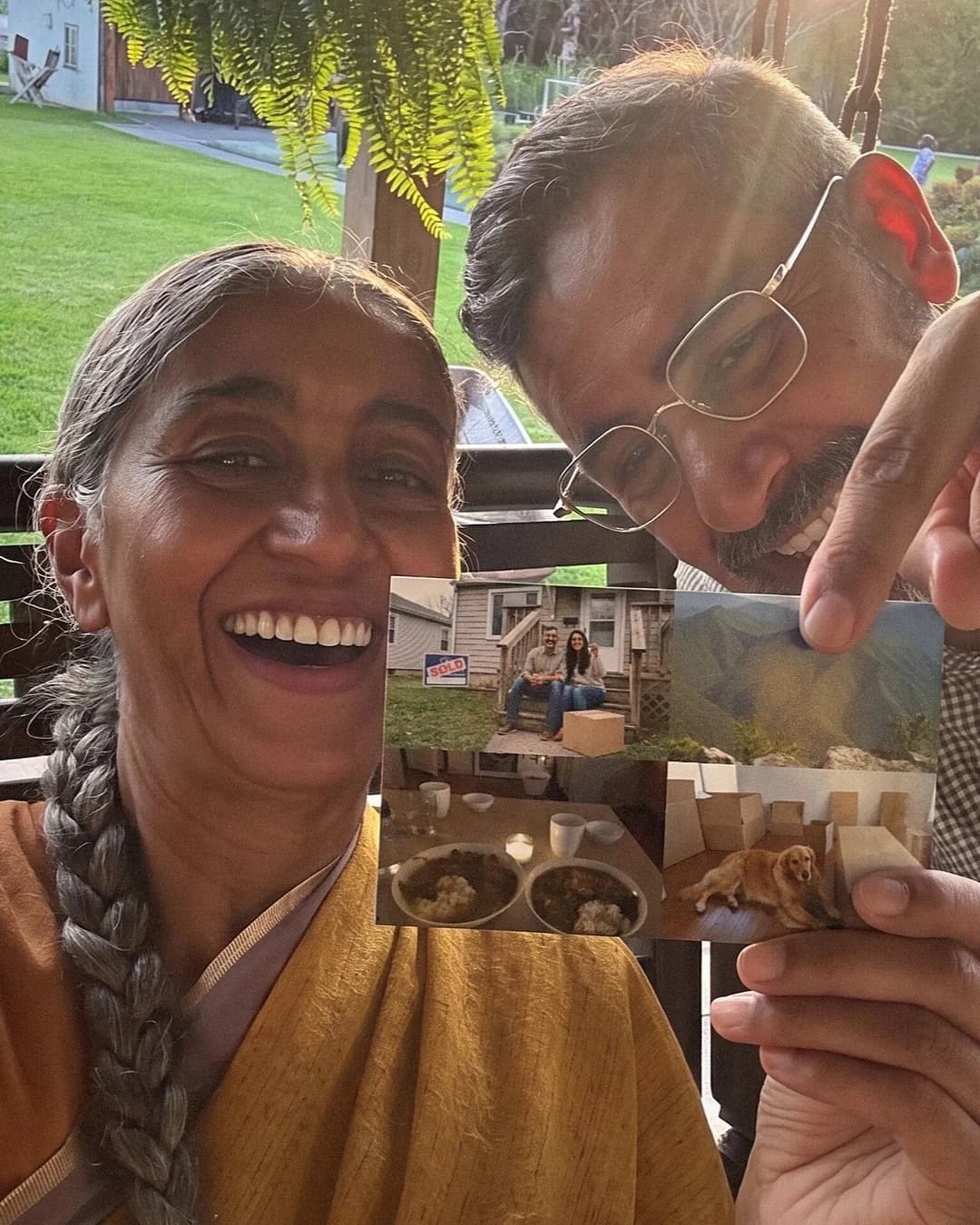
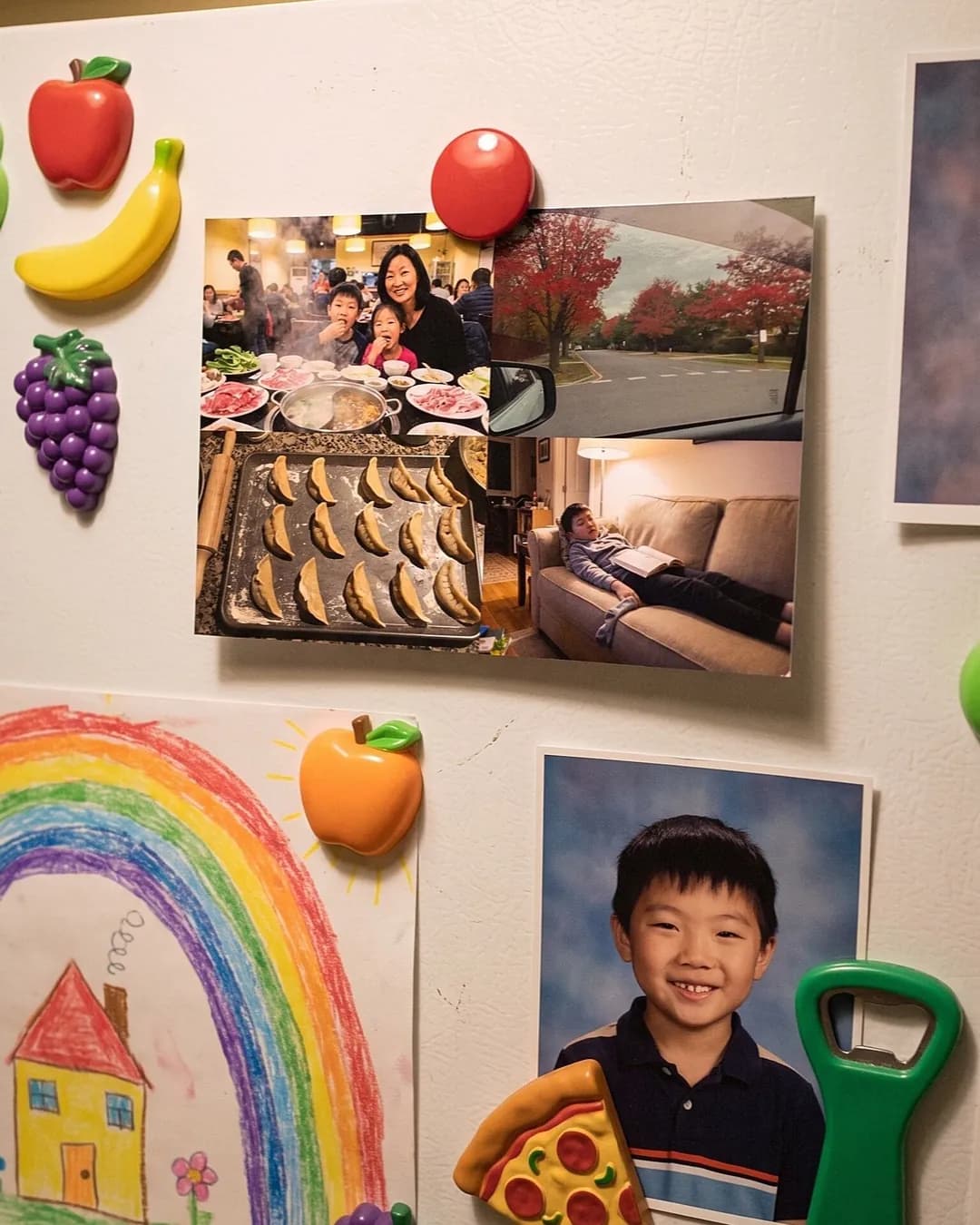
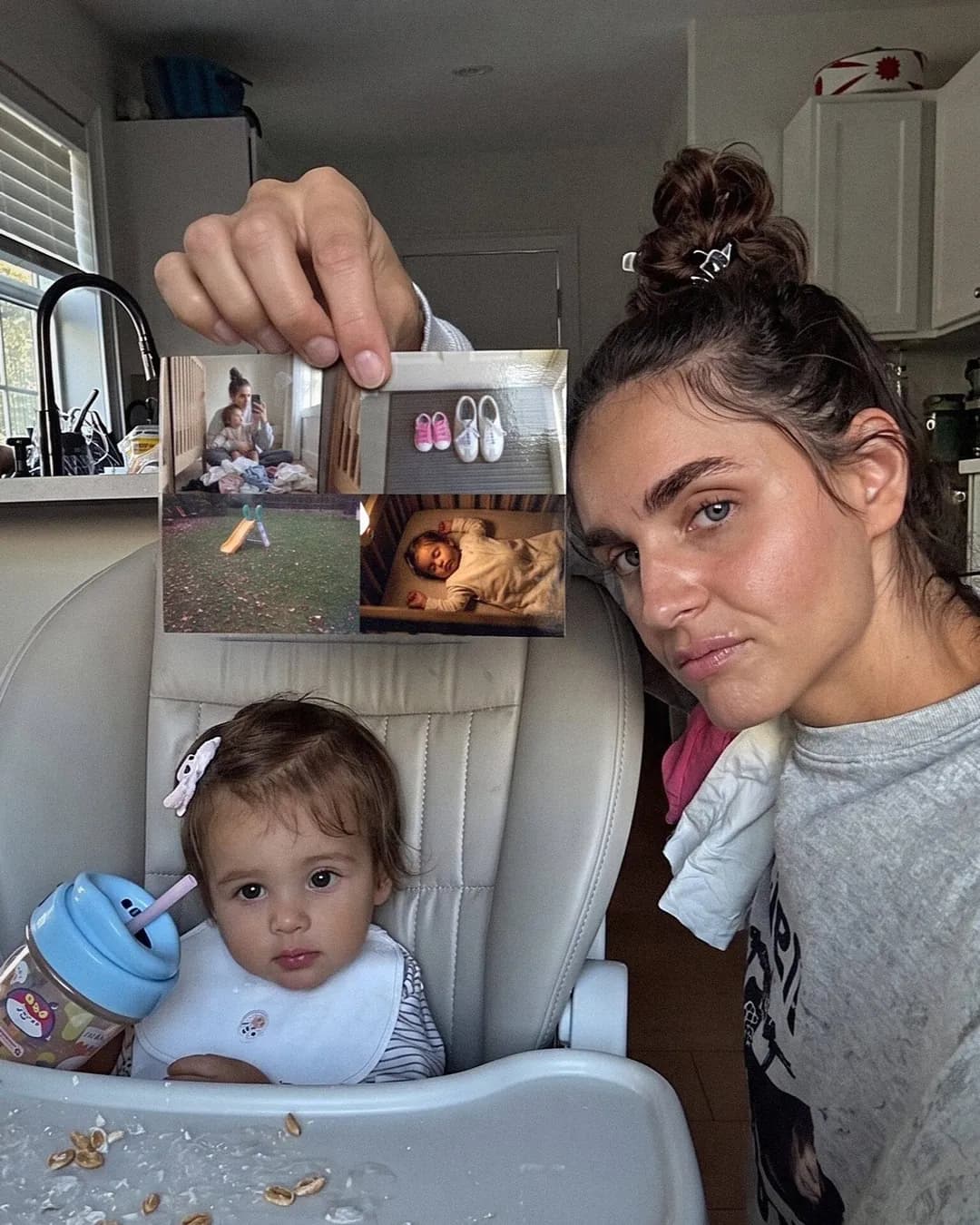
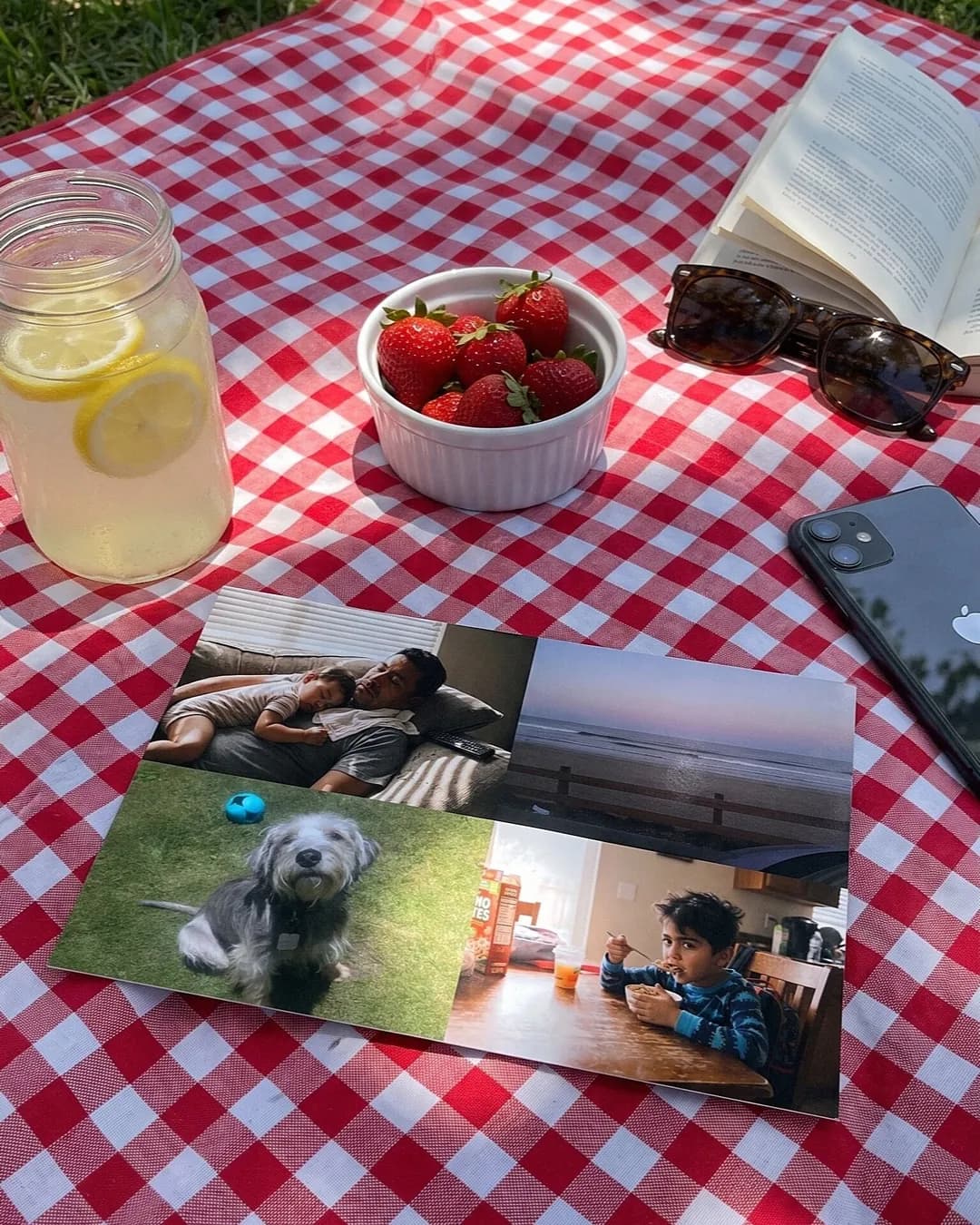
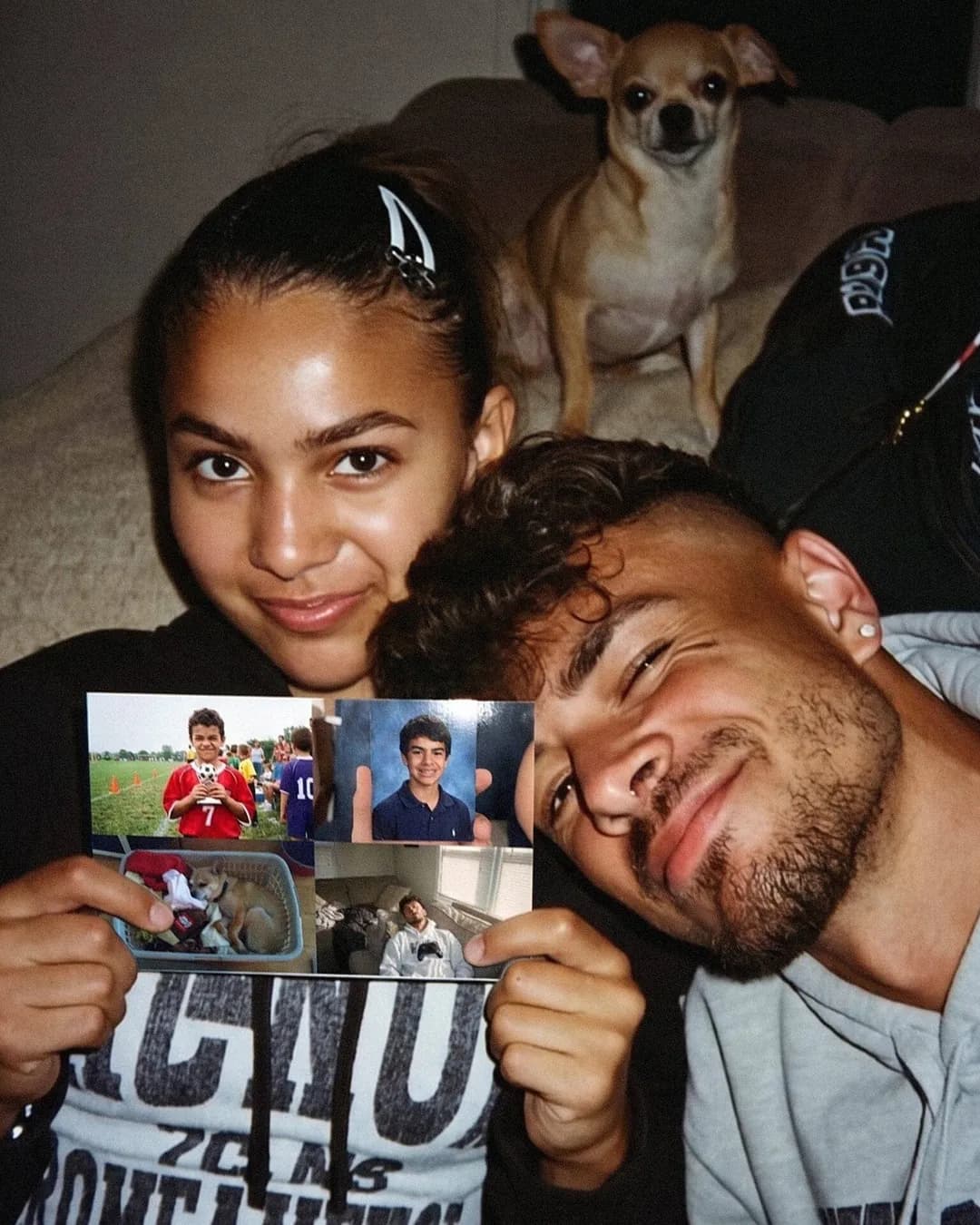
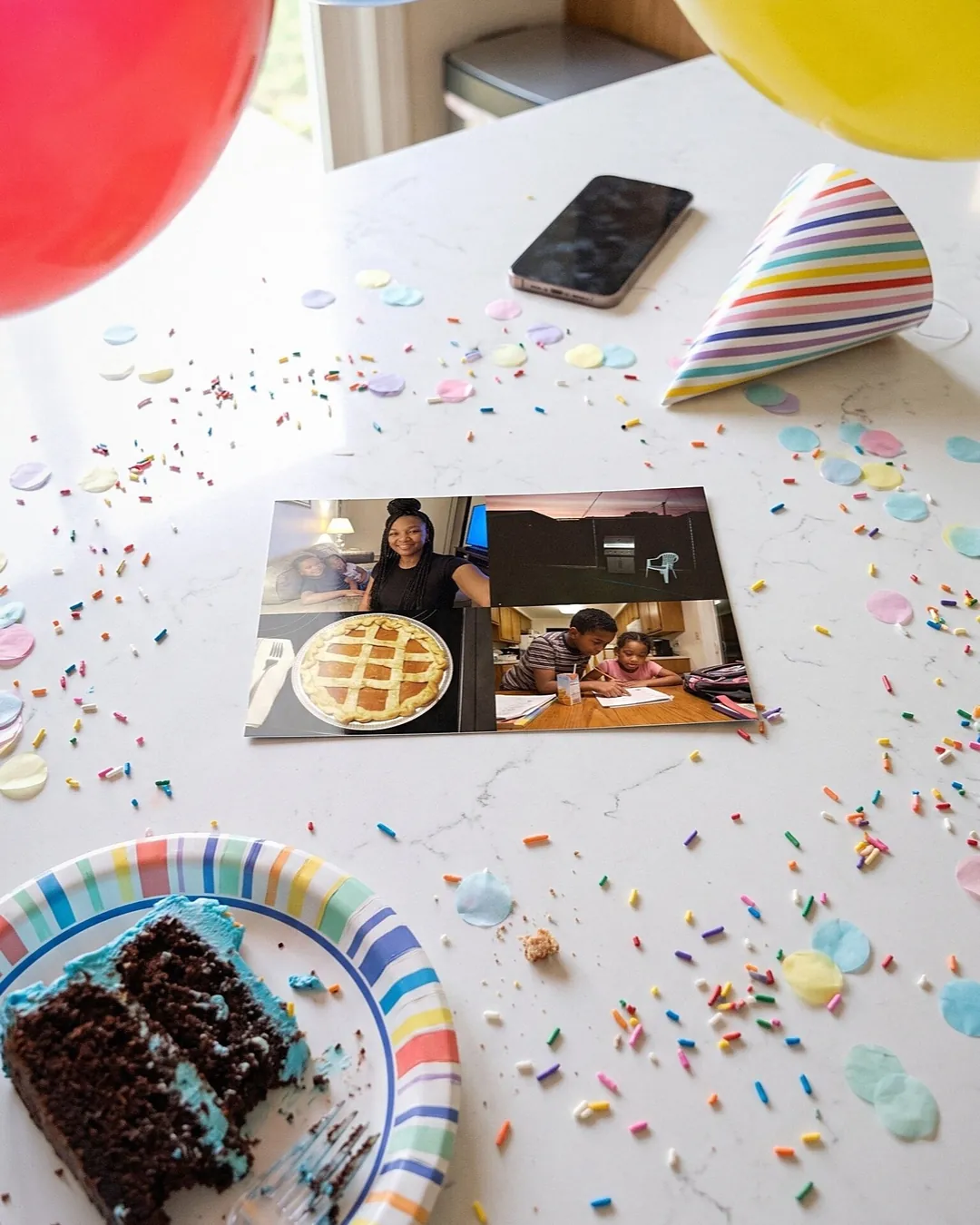
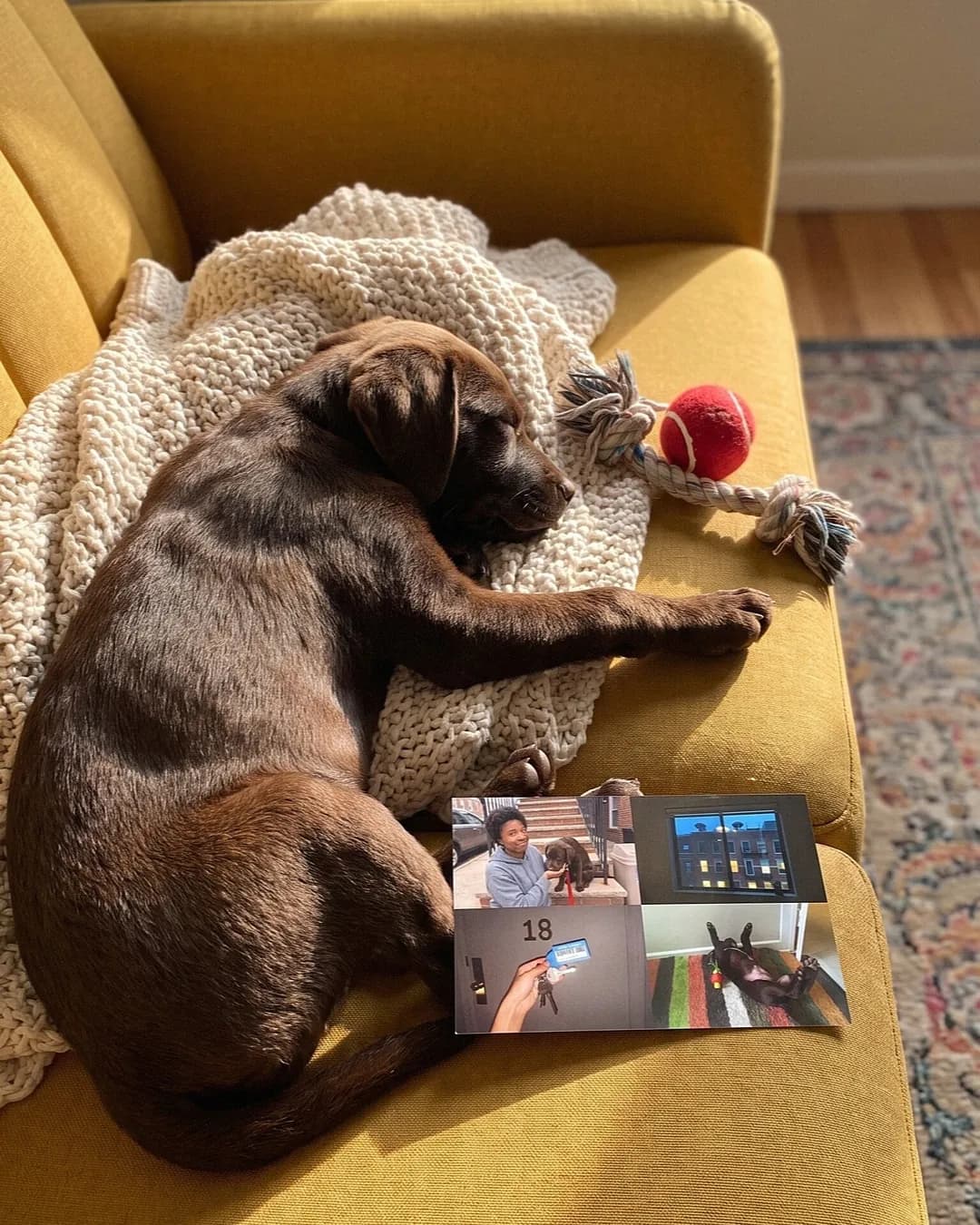
What people are saying
See how it works in 20 seconds
See how it works in 20 seconds
Nothing prints until you check out. The preview is the card that arrives.
- Add one to four photos from your phone or computer.
- Write your note and pick a font.
- Pay, add the address, and we print, stamp and mail it.
A postcard maker with no download step
Most free design tools stop at a file. Then you need a printer that takes card stock, a stamp and a mailbox.
This one keeps going. You design the card, pay, add the address, and we print and mail it.
What you see on the screen is the card we print, front and back.
How to design a postcard here
Every step happens on the card itself, so you see each change as you make it.
- Add one to four photos. The front layout follows the count.
- Tap a photo to drag or zoom it. Drag one photo onto another to swap them.
- Flip to the back and write up to 420 characters.
- Pick a font: handwriting-style or plain type.
- Choose a back design: stripes, waves, gingham, hearts, seasonal patterns, or plain cream.
- Add stickers to the front, the back, or both.
What you can change, and what stays fixed
The design choices are the ones that show at 4x6. Everything else is set so the card prints well and mails cleanly.
- Yours to choose: the photos and their crop, the message, the font, the back and the stickers.
- Fixed: the size is always 4x6, glossy, in full color.
- Fixed: the address and postage area on the back stays clear for USPS.
- Fixed: photos fill the front edge to edge, with no border to fuss over.
Photo postcard maker or template tool?
Template tools are good at flyers, invitations and print files. If a print shop wants a PDF from you, use one.
If you want one card in one mailbox, the design is the easy part. The printing, the stamp and the trip are where it stalls.
This photo postcard maker starts from your photos instead of a template, and the design ends in the mail.
Make a postcard in about a minute
Most cards take about a minute: four photos, two lines, one sticker. Nothing prints until you check out.
Curious how each photo layout looks on the front? Or what happens after you pay? Here is how sending postcards online works.
Saying thanks with it? Start from our thank you postcards with a photo.
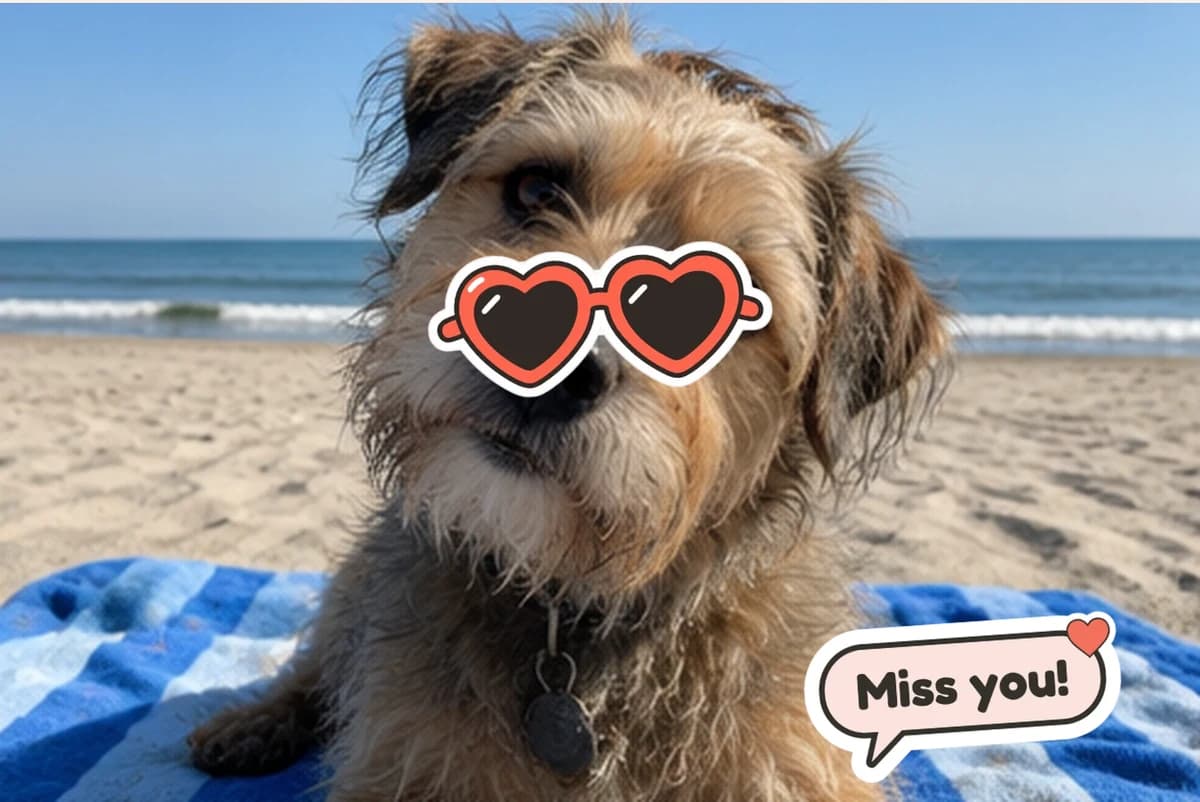
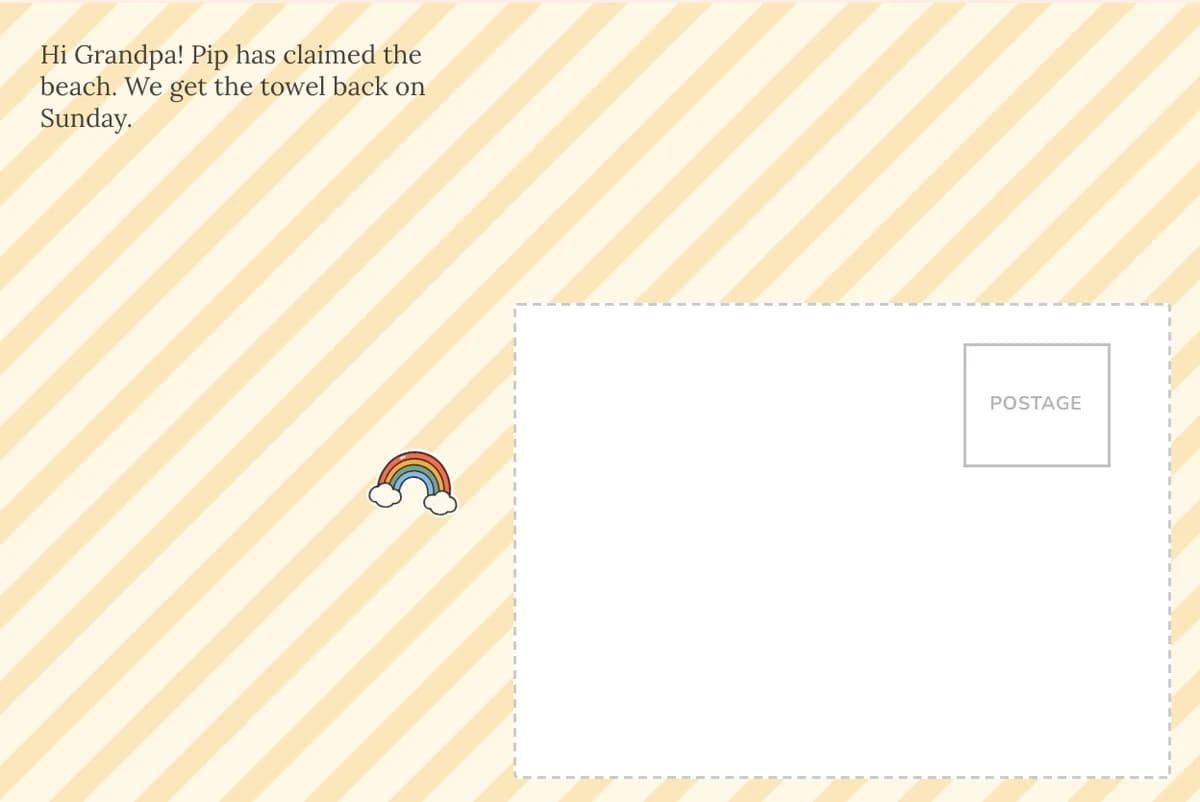
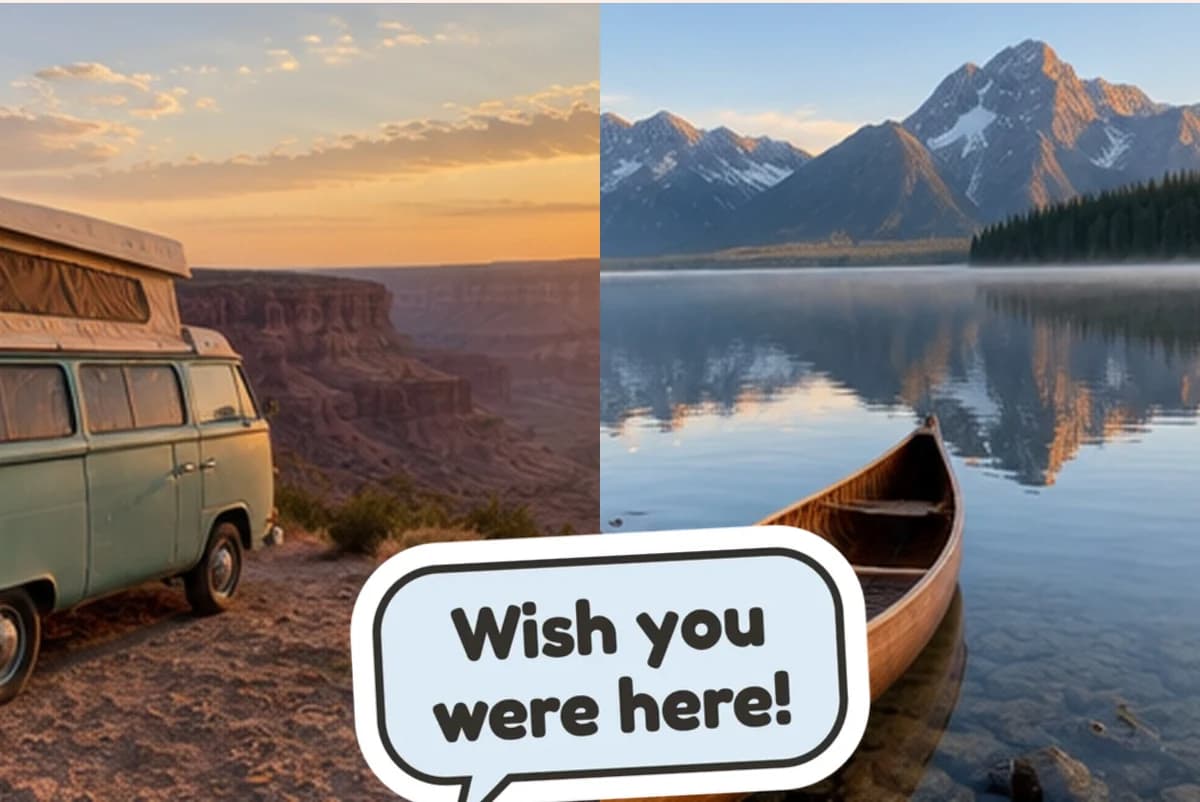
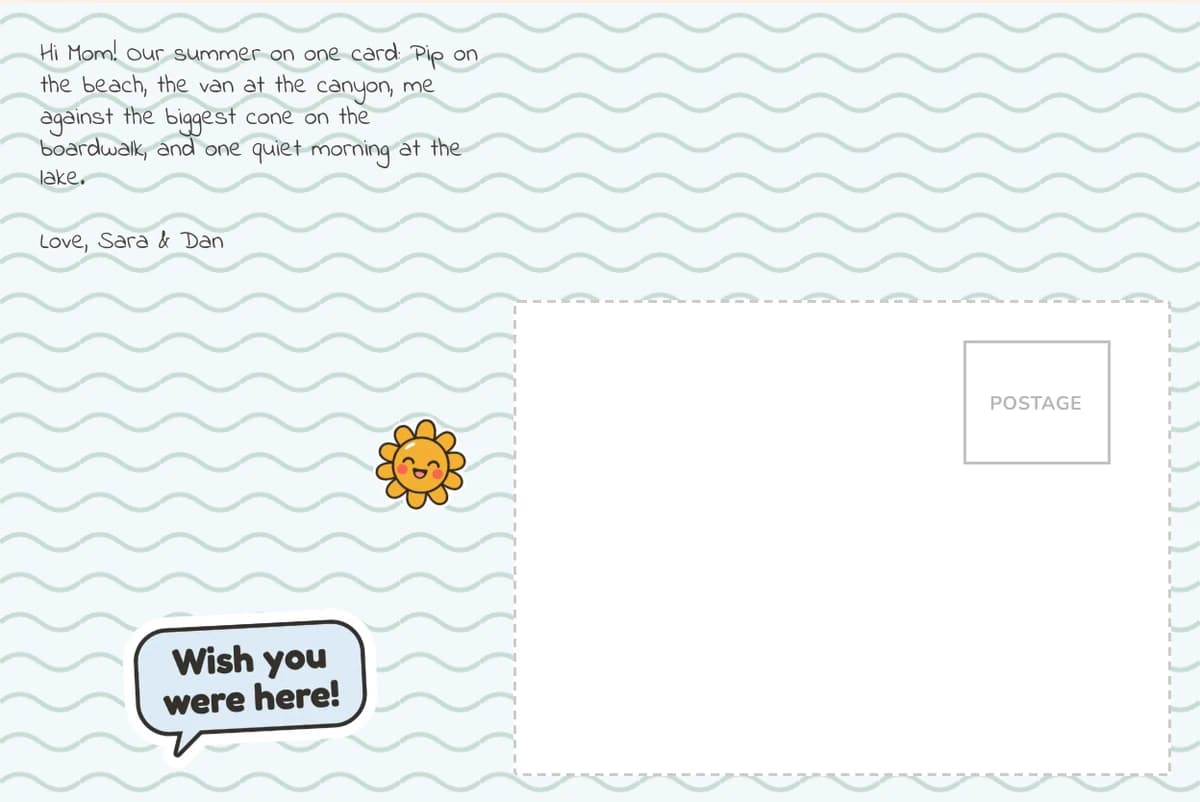
Designs made in this maker
What it costs
| Postcards | Price | Each |
|---|---|---|
| 1 | $9.99 | $9.99 |
| 2 | $17.99 | $9.00 |
| 3 | $24.99 | $8.33 |
| 5 | $34.99 | $7.00 |
| 10 | $59.99 | $6.00 |
Shipping is free on every order, even one card. Each card in an order can go to a different US address.
Sending for a birthday or a holiday? Please allow up to 15 days. USPS can run a little slow, especially in December.
Postcard maker questions
Is this postcard maker free?
Designing is free, and nothing prints until you check out. A printed and mailed card is $9.99, with free shipping on every order.
Can I download my postcard design?
No. This maker is built to print and mail a real card, not to export a file. If you need a print-ready file for a print shop, a free design tool is the better fit.
What size postcard does it make?
Every card is a real 4x6 photo postcard, printed in full color on thick card stock with a glossy finish.
How do I make a postcard online?
Add up to four photos, write the back, pick a font, a back design and any stickers, and check both sides. Then pay, add the address, and we print and mail it.
Do I need an app or an account?
No. The maker runs in your phone or computer browser with no app and no account, and the person you send it to needs nothing.
Can I send one design to several people?
Yes. One order holds 1 to 10 cards. Each can go to a different US address, with one note for all or a different note on each.